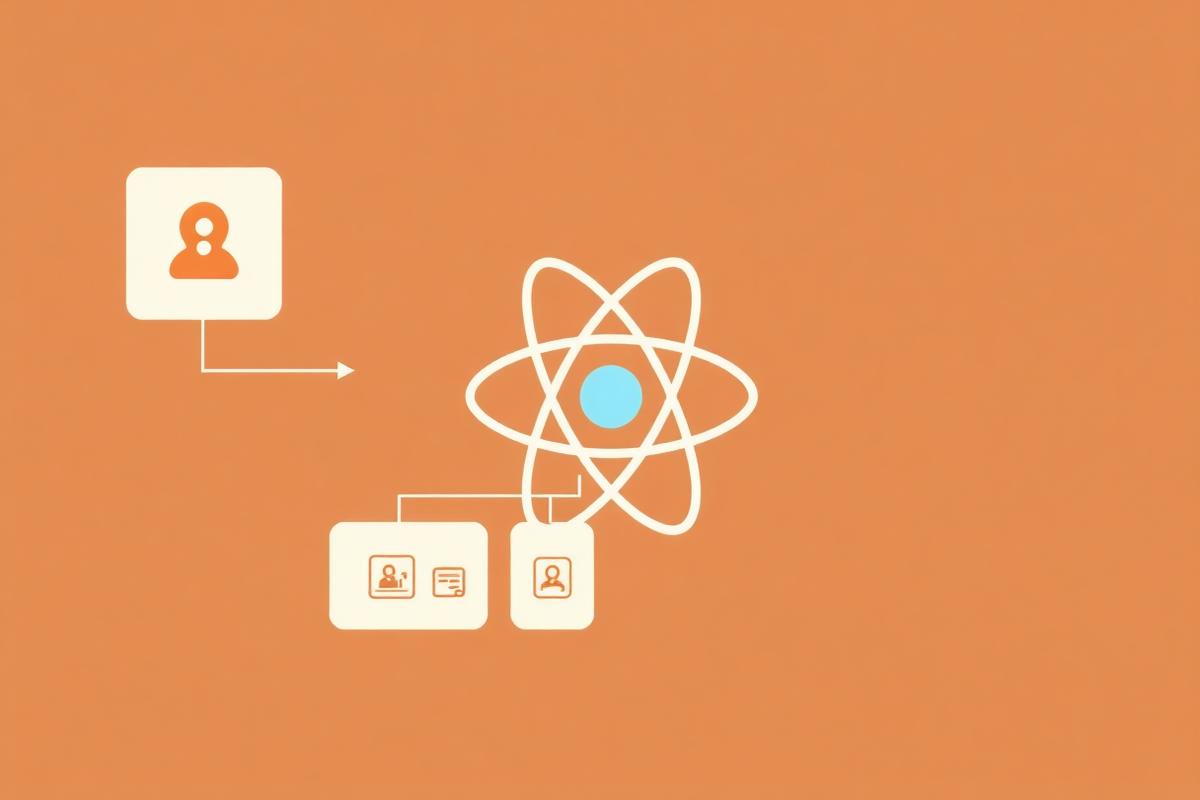
React Server Components (RSCs) represent the biggest shift in React architecture since hooks. Server Components run only on the server, allowing direct database access and API calls without shipping that code to the client. This reduces JavaScript bundle size and simplifies data fetching patterns.
The Core Idea
Traditionally, all React components run in the browser. With RSCs, some components run *only on the server*. They can access databases, read files, and call APIs directly, without shipping that code to the client.
// Server Component: runs on the server only
// This code never reaches the browser
async function BlogPosts() {
  const posts = await db.query("SELECT * FROM posts ORDER BY date DESC");

  return (
    <ul>
      {posts.map((post) => (
        <li key={post.id}>
          <h2>{post.title}</h2>
          <p>{post.excerpt}</p>
        </li>
      ))}
    </ul>
  );
}
Notice there is no `useEffect`, no `useState`, no loading spinner. The component fetches data during rendering on the server and sends the result as HTML (plus a serialized component tree) to the client.
Client vs Server: The Mental Model
The key question for every component becomes: does this need interactivity? If yes, it is a Client Component (add `'use client'` at the top). If no, it is a Server Component by default.
Interactive elements like buttons, forms, and anything with `useState` or `useEffect` must be Client Components. Everything else can stay on the server, which means less JavaScript shipped to the browser.
'use client';

import { useState } from 'react';

// Client Component: has interactivity
function LikeButton({ postId }: { postId: string }) {
  const [liked, setLiked] = useState(false);

  const handleLike = async () => {
    setLiked(true);
    await fetch(`/api/posts/${postId}/like`, { method: 'POST' });
  };

  return (
    <button onClick={handleLike}>
      {liked ? '❤️' : '🤍'} Like
    </button>
  );
}
What React Server Components Mean for Your App
**Bundle size drops.** Server Components do not add to your JavaScript bundle. A markdown renderer, a syntax highlighter, a date formatting library - if they are only used in Server Components, they stay on the server.
**Data fetching simplifies.** No more `useEffect` into loading state into error state dance for data that does not change after page load. Just `await` it directly.
**The learning curve is real.** You need to understand the boundary between server and client, what can be passed across it (serializable data only), and how composition patterns change.
How to Migrate Existing React Apps
RSCs are not a rewrite of React; they are an evolution. Start by identifying your data-fetching components and see if they can move to the server. The wins compound from there. Components that just render data from an API are strong candidates for conversion to Server Components.
Key Takeaways
- React Server Components run only on the server, reducing client-side JavaScript - Server Components can directly access databases and APIs without useEffect - Client Components (marked with 'use client') handle interactivity with hooks - Bundle size decreases because server-only libraries are not shipped to the browser - Only serializable data can be passed from Server to Client Components - Start migration by converting data-fetching components first - RSCs are an evolution of React, not a complete rewrite